Client portals · Workflow systems · WebsitesDemo system
Autom8 Campus Site
Colleges and universities, Philippines
A school management system covering enrollment, grades, clearance, billing and document requests, with a portal for each of the six offices that touch them. Built four times over, in four design directions.
The bottleneck
A student who wants to enroll, see a grade, settle a balance and collect a certificate deals with four offices that do not share a record. Each keeps its own list, so the same student is re-identified at every window, and the queue is the integration. The offices have the same problem in reverse: the registrar cannot see whether the cashier has been paid, and the cashier cannot see whether the registrar has cleared anyone.
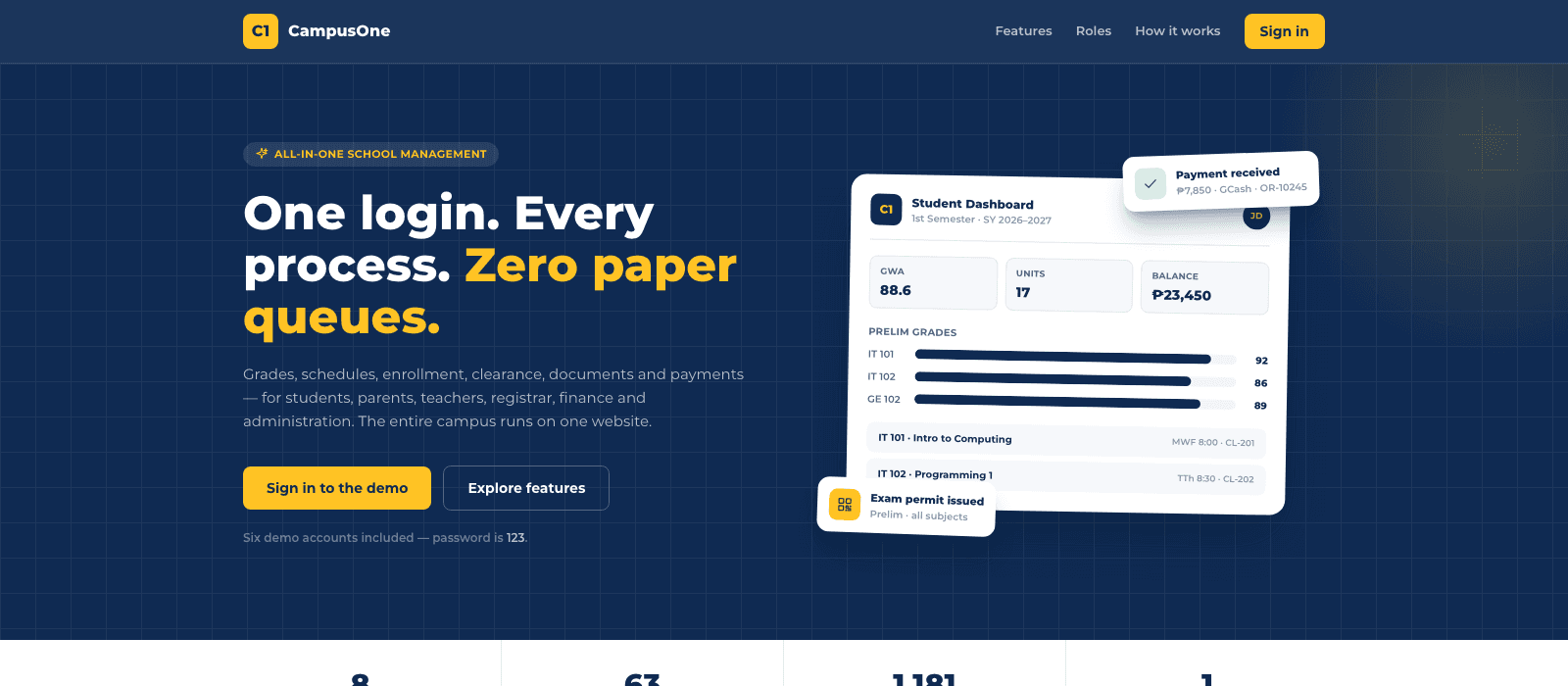
CampusOne
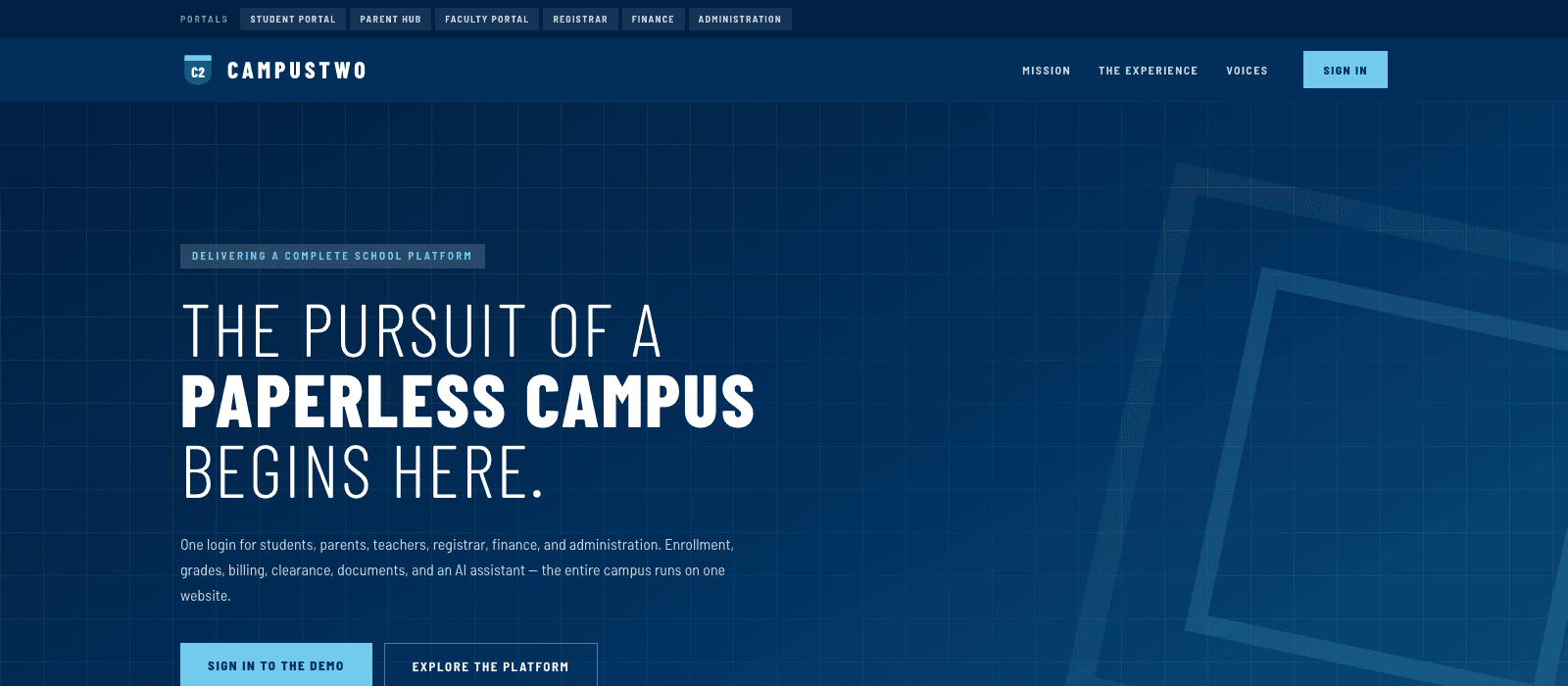
CampusTwo
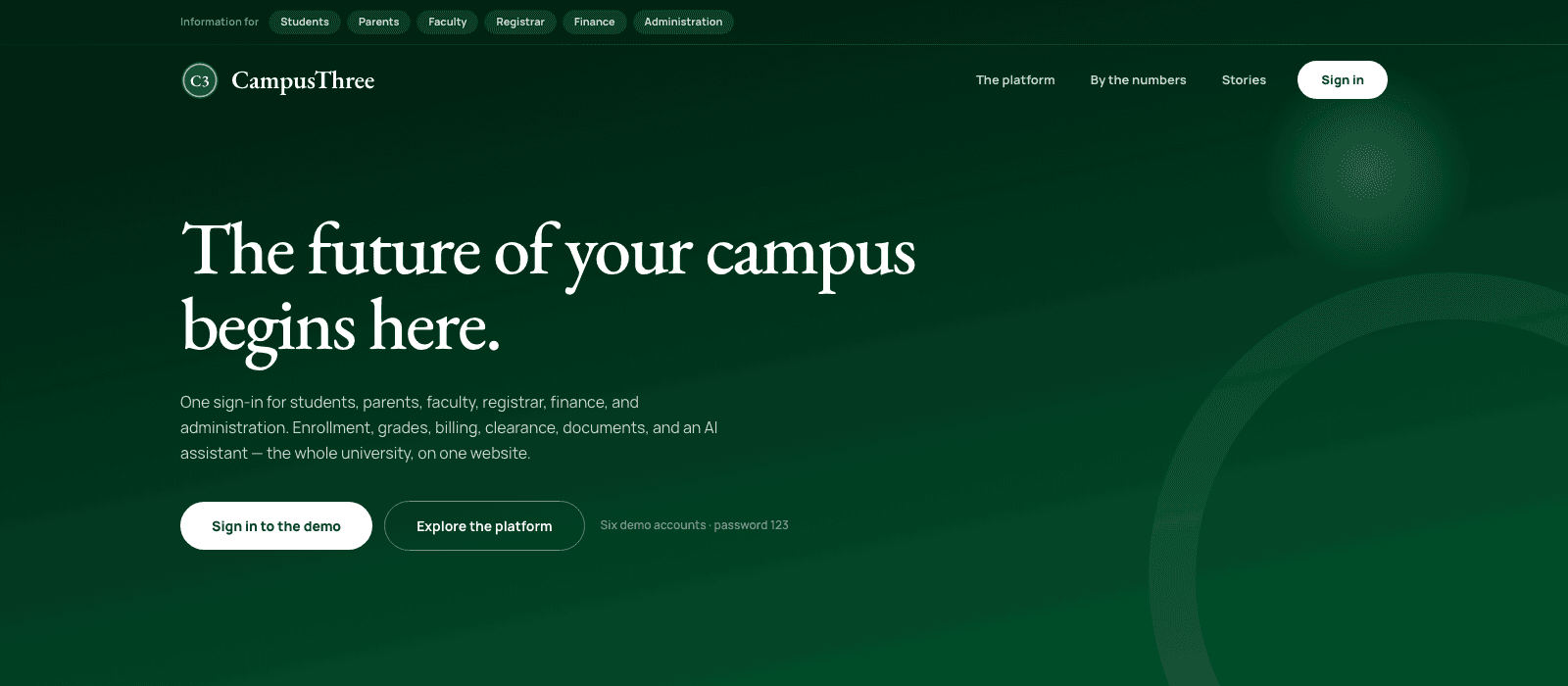
CampusThree
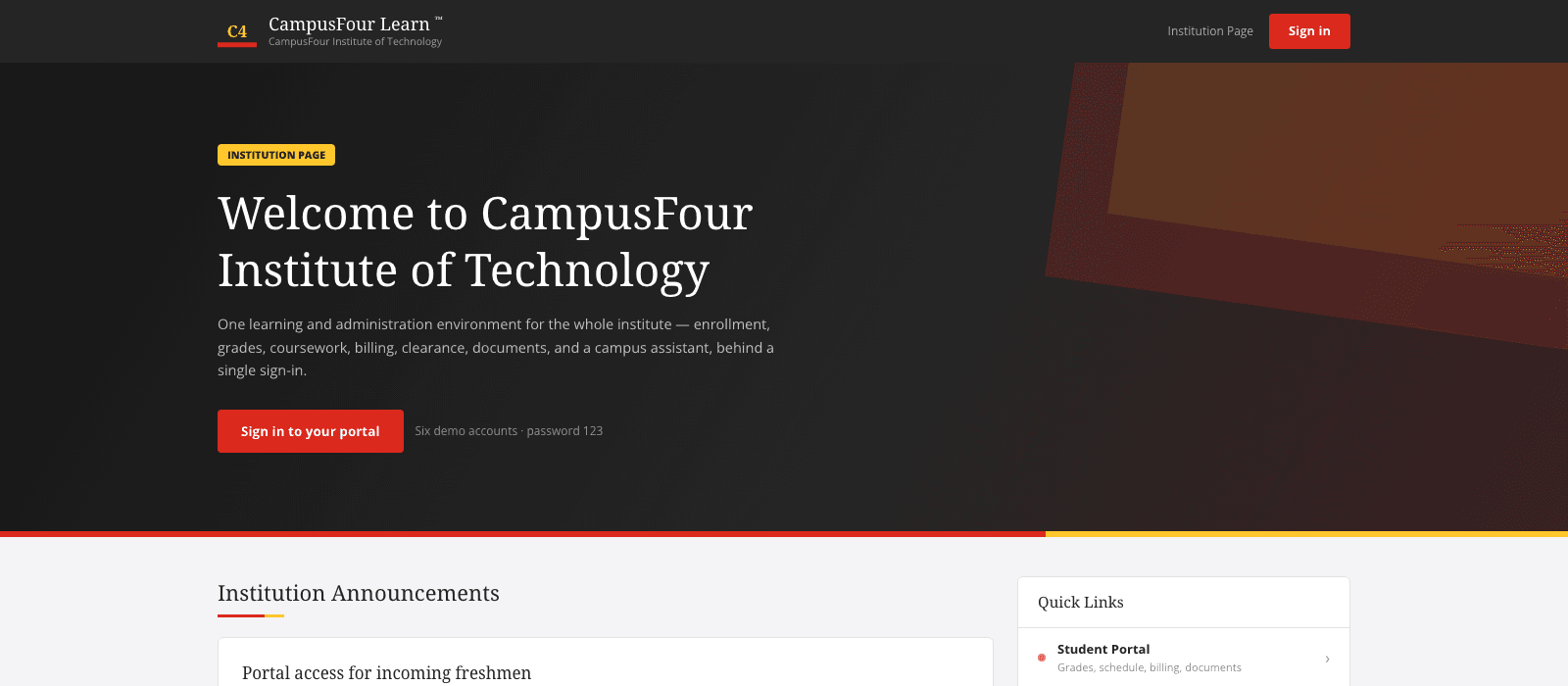
CampusFour
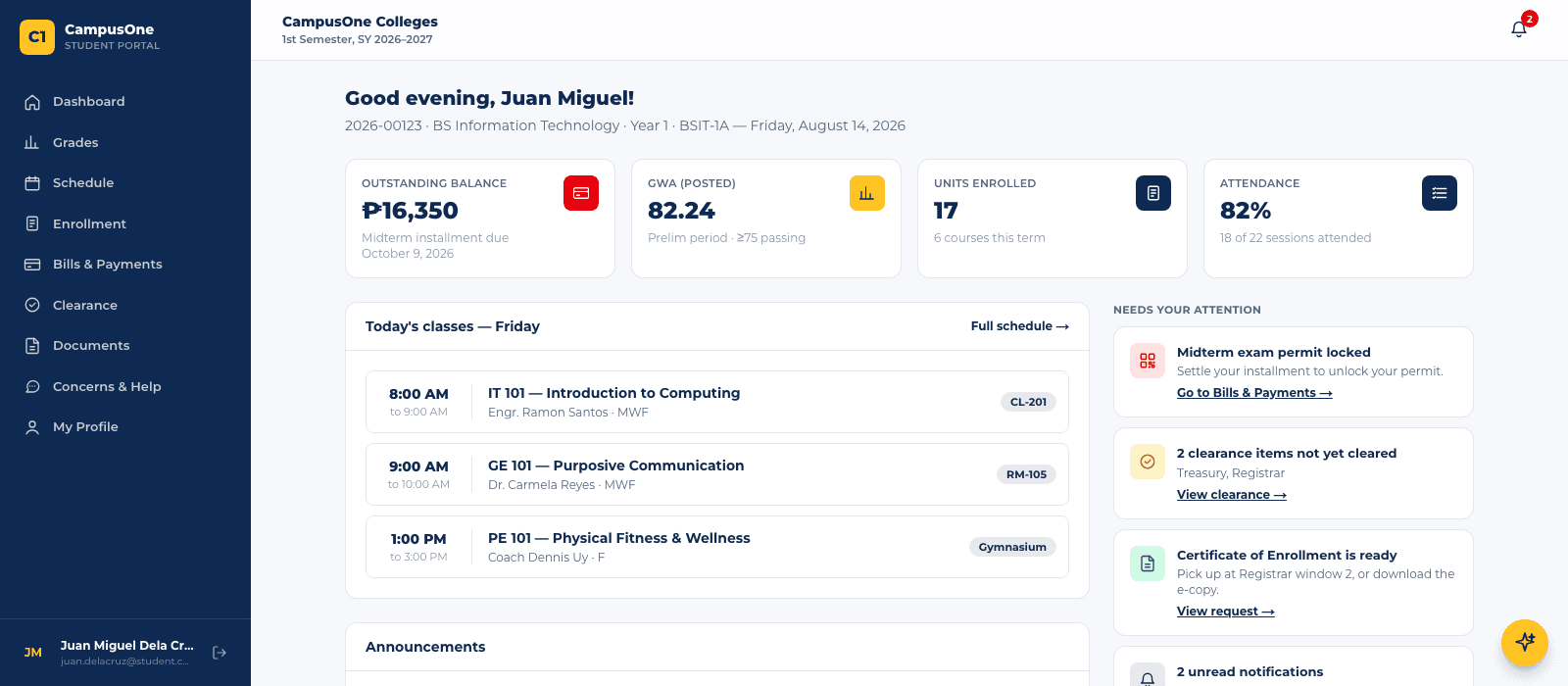
Student dashboard
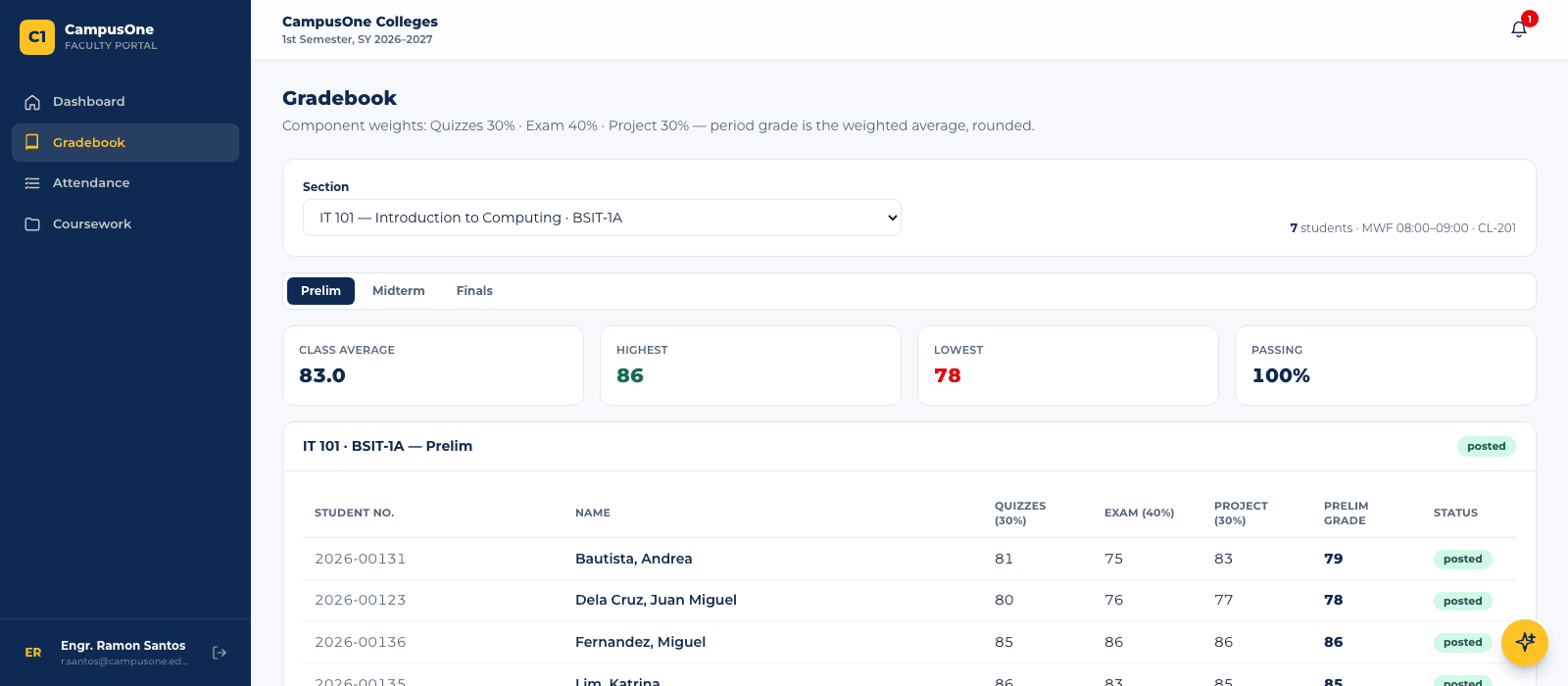
Faculty gradebook
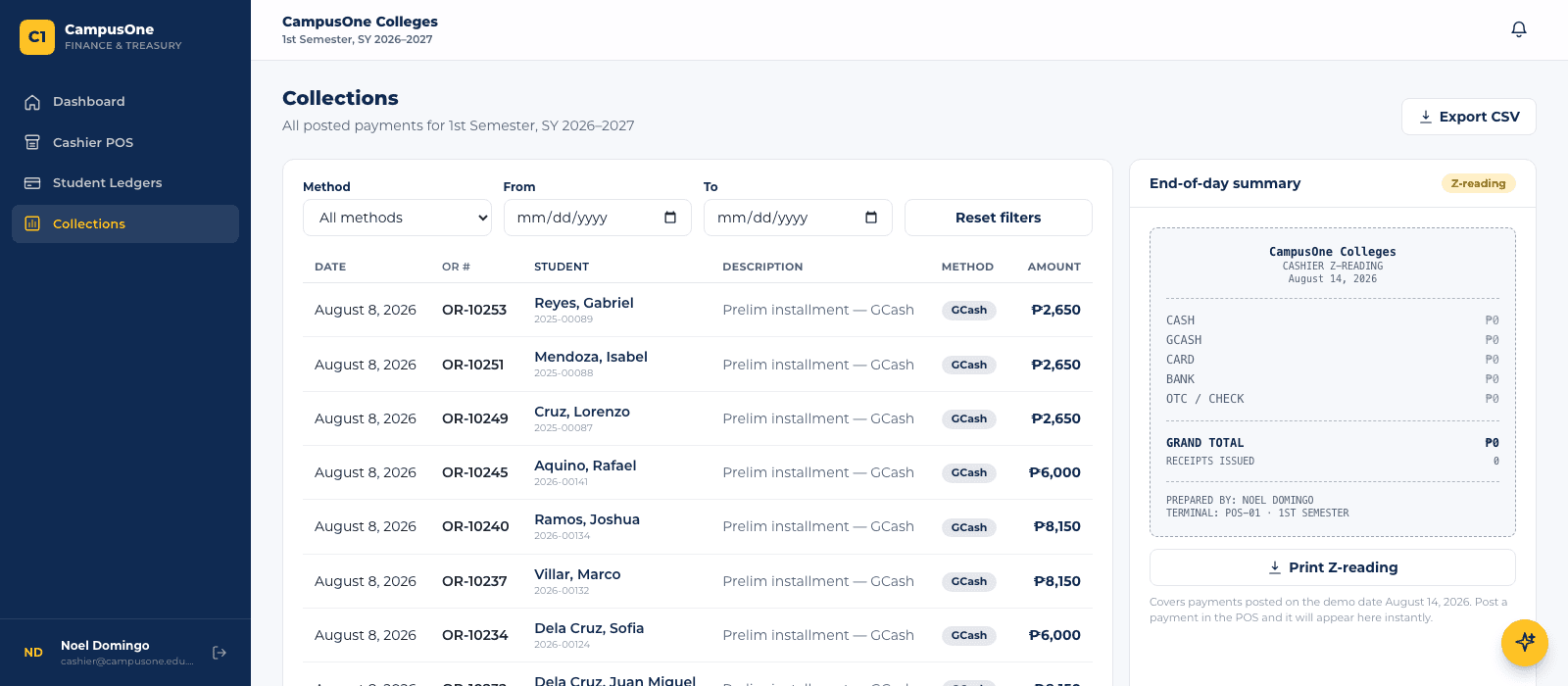
Cashier collections
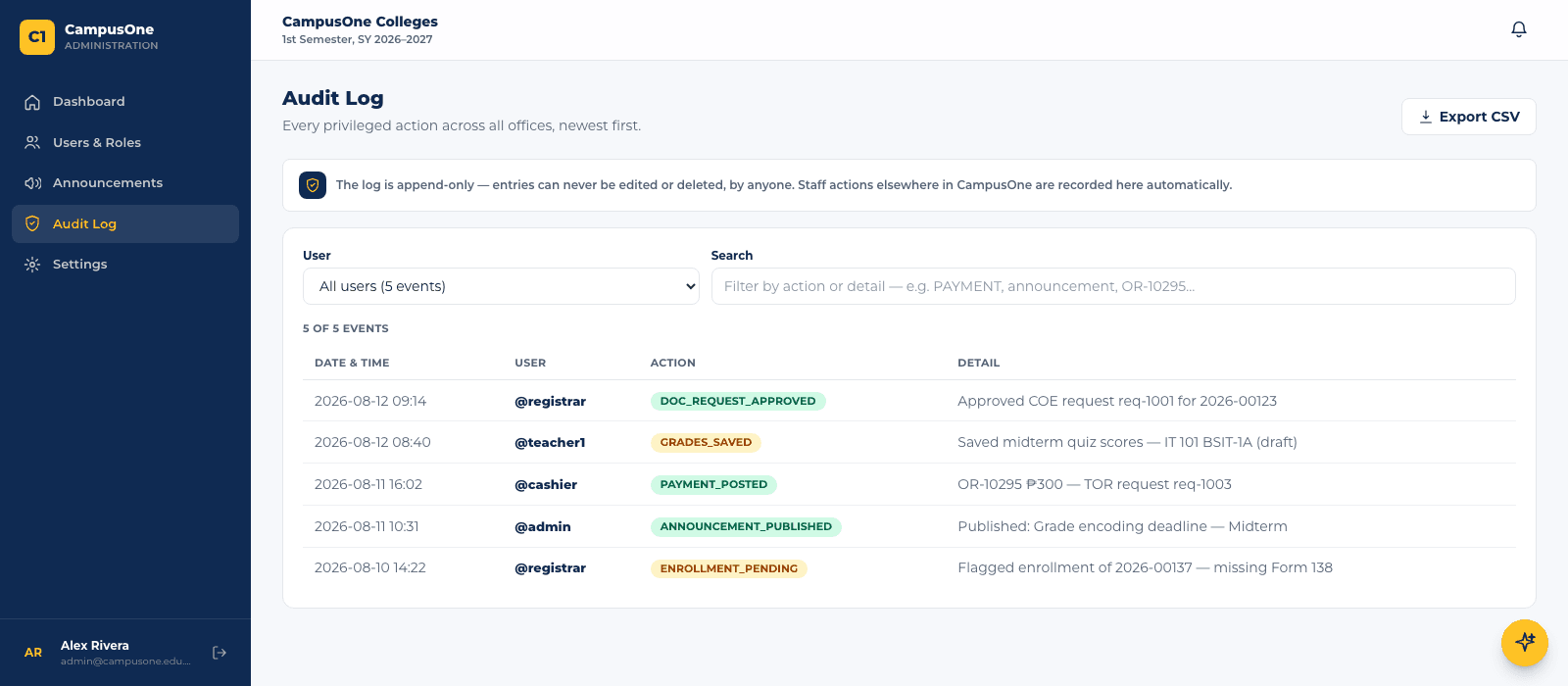
Audit log
What we built
- Six role portals over one record: student, parent, faculty, registrar, finance and administration
- Enrollment from enlistment through to registrar approval, with the curriculum and unit load attached
- A gradebook that computes the period grade from weighted components rather than storing a typed number
- Cashier collections with official receipts and an end-of-day Z-reading
- Clearance and document requests (COE and TOR) tracked from request to release
- An append-only audit log of every privileged action, exportable as CSV
- Four complete design directions of the same thing, feature for feature
What changed
- A grade posted, a peso collected and a document released are visible to every office that should see them, at once
- The period grade is derived from its components, so it cannot disagree with them
- There is no screen that edits or deletes an audit entry, in any of the six portals
- A school evaluates the design and the system separately, because changing one does not touch the other
- Built with
- Next.js 15
- Built with
- React 19
- Built with
- Tailwind CSS
4 design directions · same system
All four builds are open, and each carries the same six demo accounts: student, parent, faculty, registrar, cashier and administrator. The sign-in page lists them with one-click buttons; the password is 123. The data is demonstration data held in the browser, so anything you post is yours alone and disappears when you close the tab.
Open the live demoHave a process like this one?
The consultation is free. If software is not the right fix, we will say so.